Joining the Renewable Heating Hub forums is completely free and only takes a minute. By registering you’ll be able to ask questions, join discussions, follow topics you’re interested in, bookmark useful threads and receive notifications when someone replies. Non-registered members also do not have access to our AI features. When choosing your username, please note that it cannot be changed later, so we recommend avoiding brand or product names. Before registering, please take a moment to read the Forum Rules & Terms of Use so we can keep the community helpful, respectful and informative for everyone. Thanks for joining!
Daikin ESPAltherma and Home Assistant installation
Thanks for the replies. I have only just logged back in after frazzling myself last weekend trying to take the setup further and installing emoncms
I followed speak to the geeks YouTube video, based on Raomin's code, however I think I might have damaged the configuration.yaml file in the process. I cannot now seem to see the historical data of the shelly energy meter that was working perfectly, I can only see the real time data.
I will try again later this week now that I have had a time to recuperate from the head pain of trying to work out where it went wrong!
I am wondering if I should factory reset HA, (if this can be done,) without reinstalling the whole system on the laptop?
Yes, backup was on my radar. Adding automatic backups to OneDrive would be perfect. I subscribe to Microsoft 365, so have plenty of storage space available.
Thanks for the replies. I have only just logged back in after frazzling myself last weekend trying to take the setup further and installing emoncms
I followed speak to the geeks YouTube video, based on Raomin's code, however I think I might have damaged the configuration.yaml file in the process. I cannot now seem to see the historical data of the shelly energy meter that was working perfectly, I can only see the real time data.
I will try again later this week now that I have had a time to recuperate from the head pain of trying to work out where it went wrong!
I am wondering if I should factory reset HA, (if this can be done,) without reinstalling the whole system on the laptop?
There are plenty of posts on t'Interweb asking the same thing. However, once you've gone through the process of installing HA once (i.e. creating the bootable SD card so you can run Ubuntu, download and then install HAOS) a "factory reset" per se is only a matter of booting once again from the SD card you already have and running quickly through the install process you're now already familiar with. Any of the alternative suggestions the web may provide you all run the risk of leaving something behind that means you're not quite starting from fresh.
However, it doesn't sound as if you've broken anything per se. If there's a syntactical error in the configuration.yaml, HA won't let you restart, so if you have been able to restart that means any errors there may be will be limited to fixable stuff based on specific entities.
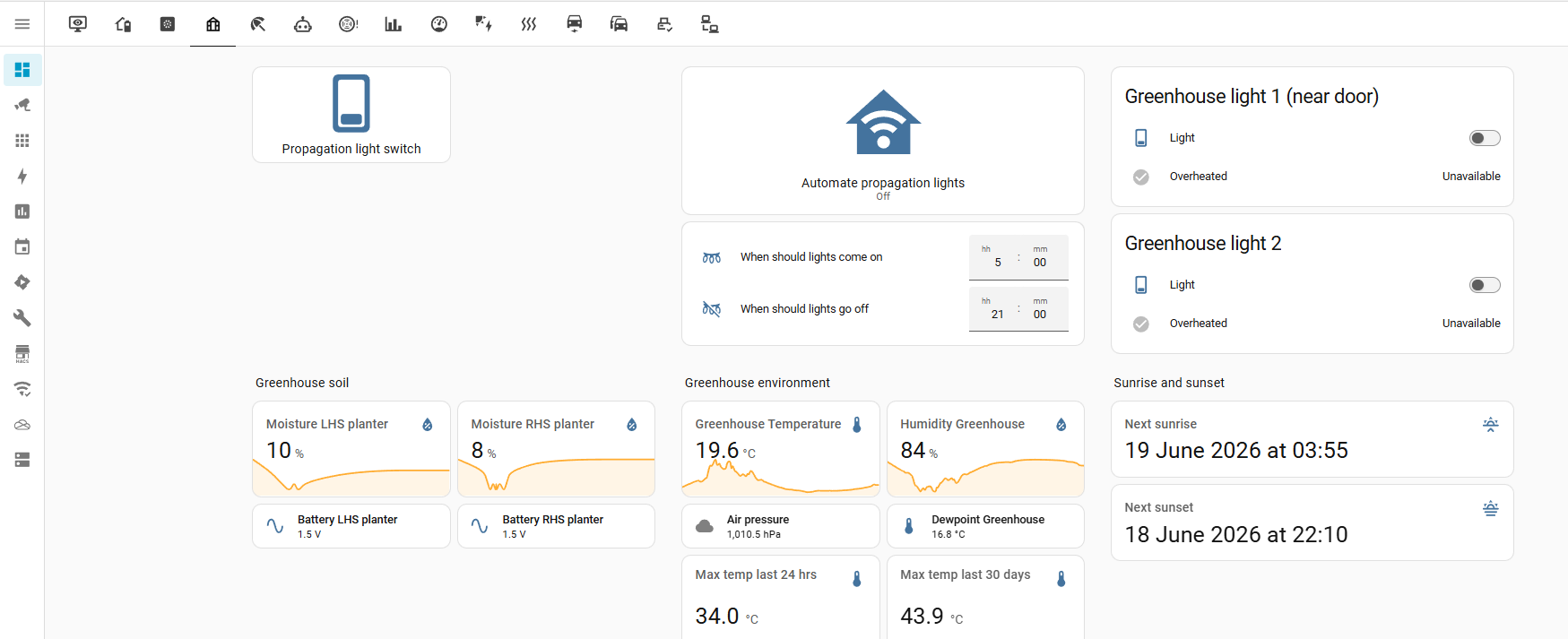
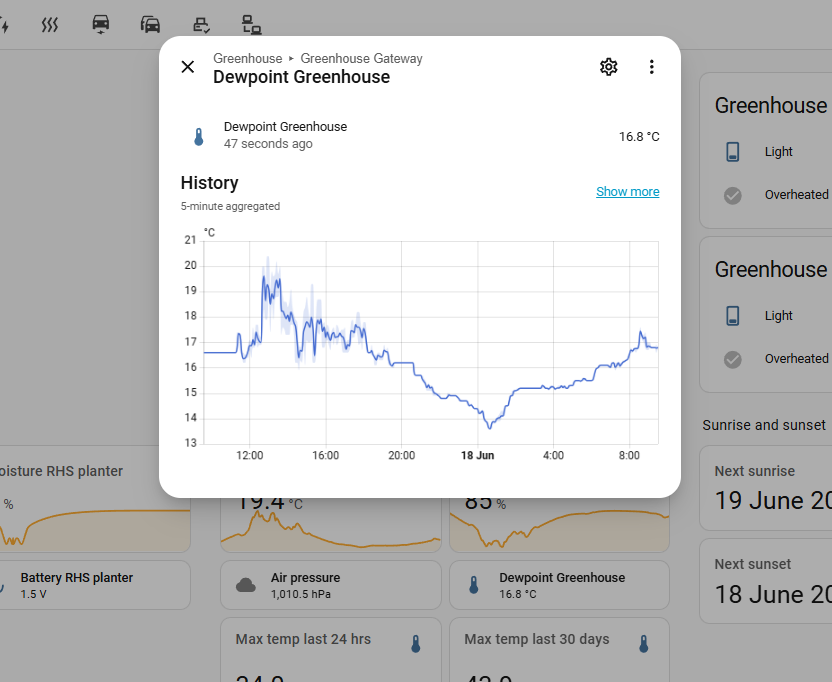
You mention being able to see real time data from the Shelly meter. Are you displaying that card on a dashboard somewhere? If so, when you click on it and get a pop up box, what do you see? For instance, I have a dashboard page for greenhouse stuff, and one thing I keep track of is the dew point.
If I click on the Dewpoint Greenhouse entity I get to see this popup box with some history in it.
If you have your Shelly energy meter on a dashboard page somewhere, what do you see when you click on it?
105 m2 bungalow in South East England
Mitsubishi Ecodan 8.5 kW air source heat pump
18 x 360W solar panels
1 x 6 kW GroWatt battery and SPH5000 inverter
1 x Myenergi Zappi
1 x VW ID3
Raised beds for home-grown veg and chickens for eggs
"Semper in excretia; sumus solum profundum variat"
I don't have any errors on the configuration.yaml file. I found that out when I tried to restart HA. In the end I just wiped it clean, so it is now empty and HA restarts fine.
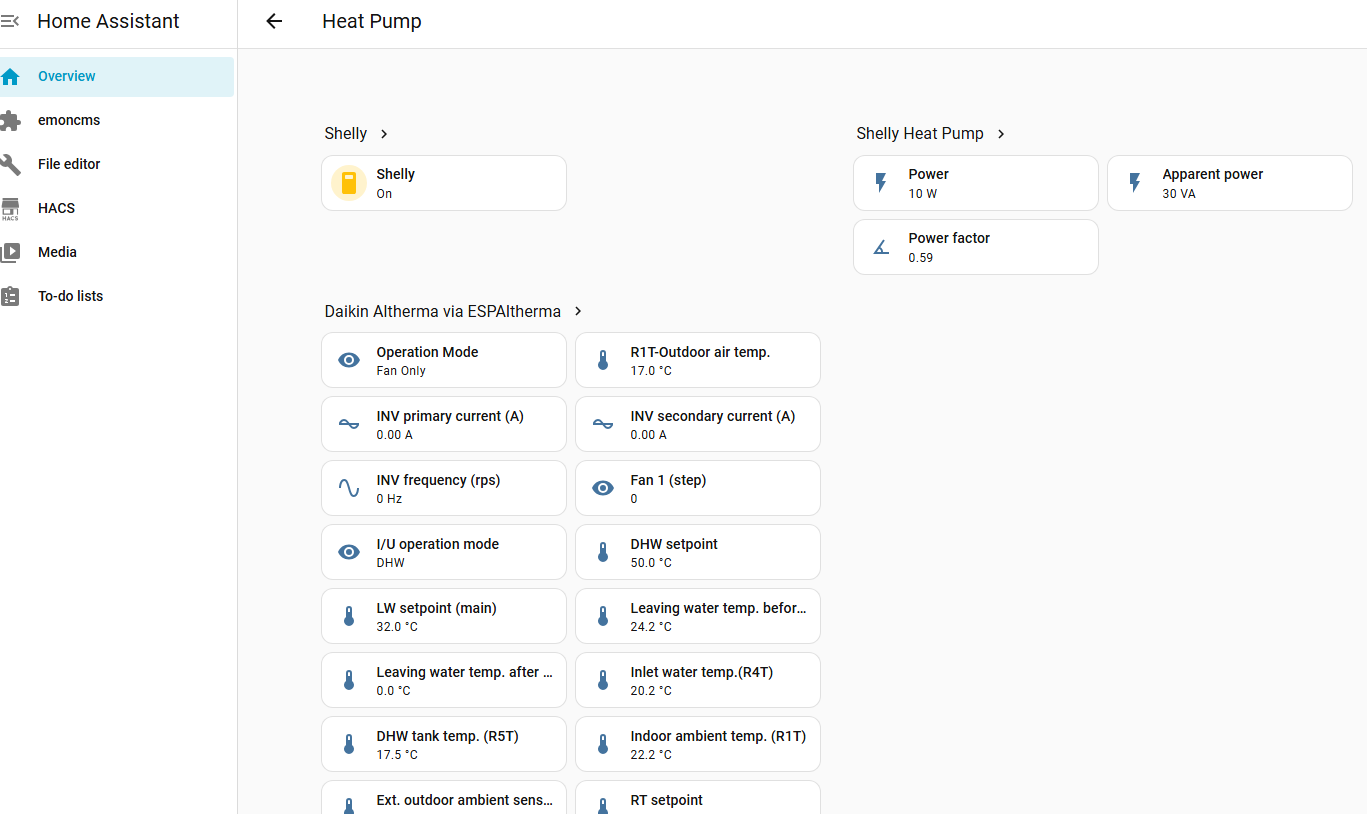
This is my overview - I haven't quite got my head around cards. At this point I decided it was best to leave it alone for a few days and come back less frustrated!
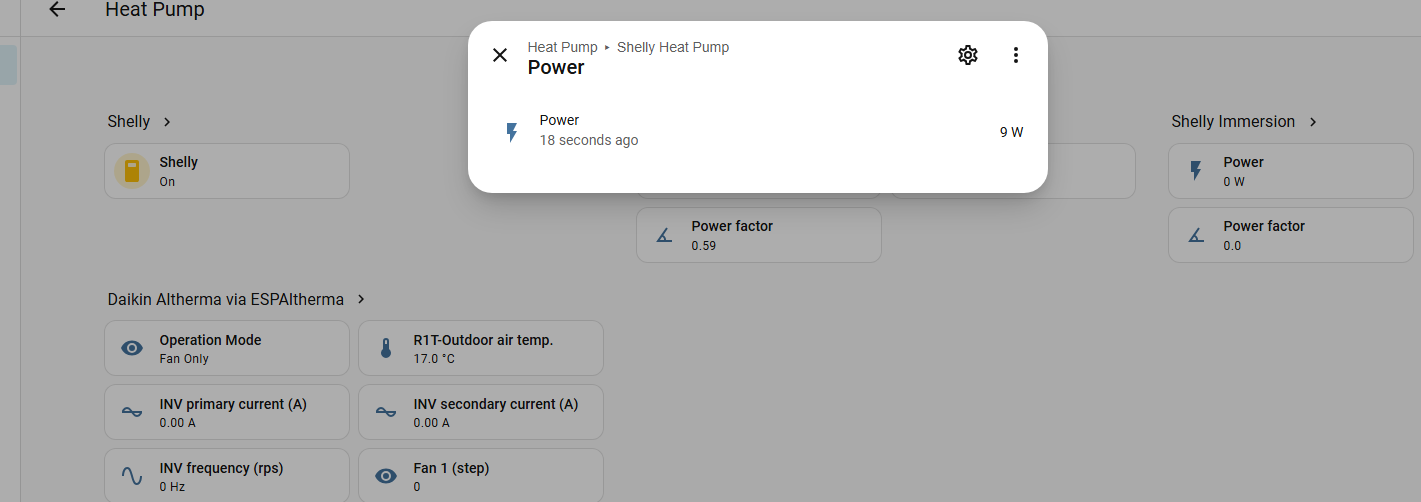
This is the screen when I clink on the power sensor. Before I could see the historical data and set the date range no problem. For some reason I cannot for the life of me work out how to find it again, no matter how hard I tried!
This is the screen when I clink on the power sensor. Before I could see the historical data and set the date range no problem. For some reason I cannot for the life of me work out how to find it again, no matter how hard I tried!
You mentioned the configuration.yaml. Did you create a "history" section?
# Example configuration.yaml entry with include
history:
  include:
    domains:
      - sensor
      - switch
      - media_player
# Example configuration.yaml entry with exclude
history:
  exclude:
    domains:
      - automation
      - weblink
      - updater
    entities:
      - sensor.last_boot
      - sensor.date
105 m2 bungalow in South East England
Mitsubishi Ecodan 8.5 kW air source heat pump
18 x 360W solar panels
1 x 6 kW GroWatt battery and SPH5000 inverter
1 x Myenergi Zappi
1 x VW ID3
Raised beds for home-grown veg and chickens for eggs
"Semper in excretia; sumus solum profundum variat"
I don't have any errors on the configuration.yaml file. I found that out when I tried to restart HA. In the end I just wiped it clean, so it is now empty and HA restarts fine.
...
Just went back through the thread and spotted this from you.
Do you mean that the configuration.yaml is completely blank? If so, I would suggest you add the following right at the beginning:
# Loads default set of integrations. Do not remove.
default_config:
The documentation on this is here, and explains that this is an umbrella that automatically loads a number of other integrations when HA starts. One of those is History, and that's the integration responsible for writing the entity values just pulled into the database for later reference. If default_config isn't there, it could easily be the reason for you not seeing any history for your entities.
105 m2 bungalow in South East England
Mitsubishi Ecodan 8.5 kW air source heat pump
18 x 360W solar panels
1 x 6 kW GroWatt battery and SPH5000 inverter
1 x Myenergi Zappi
1 x VW ID3
Raised beds for home-grown veg and chickens for eggs
"Semper in excretia; sumus solum profundum variat"
I don't have any errors on the configuration.yaml file. I found that out when I tried to restart HA. In the end I just wiped it clean, so it is now empty and HA restarts fine.
...
Just went back through the thread and spotted this from you.
Do you mean that the configuration.yaml is completely blank? If so, I would suggest you add the following right at the beginning:
# Loads default set of integrations. Do not remove.
default_config:
The documentation on this is here, and explains that this is an umbrella that automatically loads a number of other integrations when HA starts. One of those is History, and that's the integration responsible for writing the entity values just pulled into the database for later reference. If default_config isn't there, it could easily be the reason for you not seeing any history for your entities.
Yes, a completely blank configuration.yaml file.
I have added the default_config: you suggested and now I have the history back!
I will tackle the emoncms over the weekend. This is where I went wrong as I need to edit the configuration.yaml file, so a bit more reading up before I start to amend it this time!
Firstly, go to your Settings, then Apps and install Samba share. This will allow you to share folders on the Home Assistant box across the network and access them using your PC.
Secondly, go to Settings\System\Backups and take a full manual backup. This backup will be saved to your HA hard drive.
Thirdly, from your PC, open your file explorer and navigate to \\(your Home Assistant's IP address)\backup (e.g. \\192.168.5.94\backup). That should allow you to see the backup you just created. Copy it somewhere on your PC for safekeeping.
That will mean you can then restore what you've got now if things go horribly wrong. You can then set some time aside later to look into the OneDrive backup stuff I told you about earlier. You might consider taking further backups and copying them off the server whenever you make other significant changes and get them working so that any rollback includes them.
Next, I would go into your file editor in HA and simply copy the contents of the configuration.yaml as they are at the moment and paste them into a text document that you can save somewhere else. That gives you a fallback that is less nuclear than a full restore. I would also suggest, as you make configuration.yaml changes and try them out, you do further copies and pastes into a text document on your PC whenever you make a change that works, so you're "locking in" your known latest good config and can quickly roll back to it if needed.
If you follow these steps, your forays into the guts of HA are controlled and managed. in the long run it'll save a lot of gnashing of teeth.
105 m2 bungalow in South East England
Mitsubishi Ecodan 8.5 kW air source heat pump
18 x 360W solar panels
1 x 6 kW GroWatt battery and SPH5000 inverter
1 x Myenergi Zappi
1 x VW ID3
Raised beds for home-grown veg and chickens for eggs
"Semper in excretia; sumus solum profundum variat"