

Notifications
Clear all
Joining the Renewable Heating Hub forums is completely free and only takes a minute. By registering you’ll be able to ask questions, join discussions, follow topics you’re interested in, bookmark useful threads and receive notifications when someone replies. Non-registered members also do not have access to our AI features. When choosing your username, please note that it cannot be changed later, so we recommend avoiding brand or product names. Before registering, please take a moment to read the Forum Rules & Terms of Use so we can keep the community helpful, respectful and informative for everyone. Thanks for joining!

Topic starter
22/12/2025 9:43 pm
I have a newly installed EDLA11D3V3 which I'm still getting to grips with. It's not quite the same but you may find there's enough similarity.
If you haven't already found a solution you're happy with, here are some thoughts:
- if all you want is to schedule the timing of DHW heating, then you probably don't need HA to manage it - the Daikin MMI has enabled me to manage it.
- my MMI has a setting for User Profile (use the left knob to move to it). There are 3 different settings (right knob to set them). pin of 0000 gives you basic user settings; 1234 gives you Advanced User settings (my standard setting); pin 5678 gives you Installer Settings (which you'll need to make some of the more fundamental changes)
- In the Installer Settings menus, the "Tank" setting (icon of a shower head) gives me a submenu that lets me specify the operating mode: Reheat; Schedule; Schedule+Reheat. Reheat tries to keep the water temperature constant, Schedule does what it say, and Schedule+Reheat, which is what I've chosen, tries to do both. I've scheduled the DHW with a setpoint of 48 between 1am & 3am every day, and Reheat with a setpoint of 43 between 14:30 & 15:30 to try to recover from morning showers while the sun is up and before the really expensive rates kick in. The temperatures were set using their "Comfort" & "Eco" setpoints, which are set separately, to make it easier to manage the schedules should you want to tweak them.
- The Installer "Tank" submenu also includes the Disinfect schedule, where I could set the day of the week & time (I chose Sunday morning at 03:00 while the rate is likely to be cheap, and the normal heating cycle will have completed). You also get to set the Disinfect temperature & duration. Octopus set this to 30mins at 60deg. If you listen to The Heat Geek on Legionella, you'll be able to decide what works best for you.
- Remember to set the user profile back to 1234 once you've finished.
- The Onecta app in theory lets you manage schedules, but I found that it was all greyed out until I'd set something up with the MMI
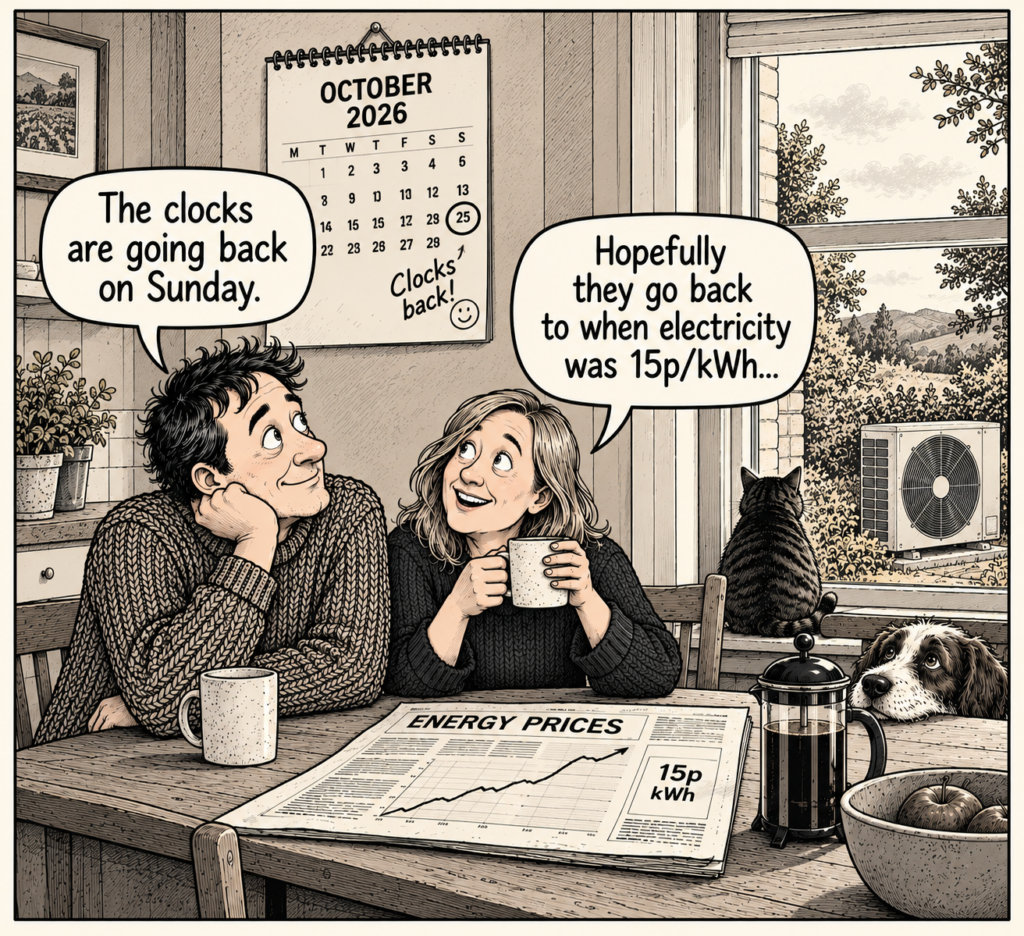
Finally, I note that you have a Solar iBoost+. I had one of these that was useful when I was with OVO, who were paying me 5p/kWh. Any time that the battery was full, I diverted any excess power into the hot water. This wasn't that helpful, because my DHW was heated by gas, and the immersion heater was intended as a quick boost, and was at the top of the tank. I stopped using it once I switched to Octopus (15p/kWh). Have you thought about how you'll use it (if at all), now that you have your ASHP?
This topic was modified 10 months ago by Mars

SPONSORS
Degrees of Separation
Latest Posts
-

At this point, whenever someone mentions our heat pump,...
By Mars , 6 minutes ago
-
RE: Say hello and introduce yourself
@e-a-west as the good Major said, welcome to the forums...
By Mars , 27 minutes ago
-
RE: New Build 3 Phase or 1Phase
We are on three phase power because it's an enormous li...
By EtchedPixels , 41 minutes ago
-
RE: How much of your renewable and home setup would still work if the internet went down?
Yes I actually have a copy of a tool that whenever a ce...
By EtchedPixels , 9 hours ago
-
RE: How will removing the standing charge on gas bills benefit heat pumps?
The shoulder months are very difficult to judge COP on ...
By scrchngwsl , 11 hours ago
-
RE: Indevolt Batteries UK Support & Info Thread
@editor Hi, To resolve this, please tap on the A...
By Indevolt Tech , 17 hours ago
-
RE: Double or Triple Glazed Windows?
Posted by: @singlespeed With 9 years repairing windo...
By Rob of York , 1 day ago
-
@transparent we’re still running a secure version of PH...
By Mars , 2 days ago
-
RE: How quickly would you want/expect heat recovery to take from setback?
Much longer than that here. The heating isn't even on. ...
By bobflux , 2 days ago
-
RE: Passiv Smart Thermostat - Help & Forum Support
Obviously the weather is changeable but there's a defin...
By Singlespeed , 2 days ago
-
RE: The Changing Jet Stream Could Challenge UK Air Source Heat Pumps
@rob-of-york I must admit that when we had a Daikin hea...
By Toodles , 2 days ago
-
RE: Forum updates, announcements & issues
Get the Renewable Heating Hub heads-up on WhatsApp. I...
By Mars , 2 days ago
-
RE: Safety study for plug in batteries out to tender - looks like Q3 2027 at best before legal
@editor I pointed out to the one of the Fuse execs that...
By dansus , 2 days ago
-
RE: 15kw pump for 225m2 1990's house - over kill?
@seaviews As well as loft insulation, there are othe...
By Rob of York , 2 days ago




SPONSORS